
Operation & App Players
Play UI flows and service operations in-browser—per operation or from a workspace App Player, including optional 3270 mode for legacy workspaces.
OL Spec lets you play generated operation artifacts without leaving the browser: a modern UI/service player, a workspace App Player, and (for legacy workspaces) a 3270-style terminal player.
Capabilities
Operation player
-
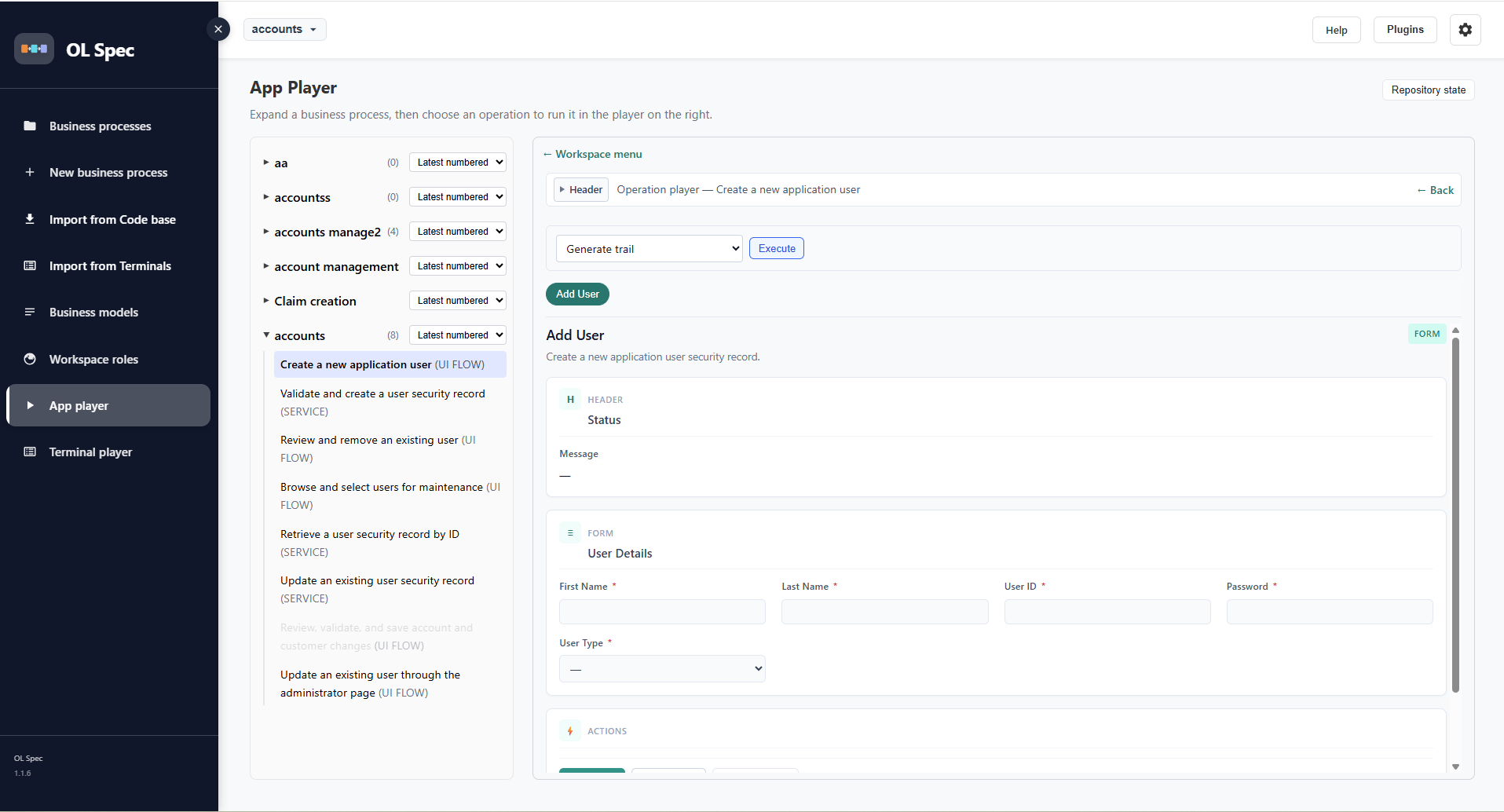
UI flow — renders the generated UI model and exercises the Groovy controller; interact with widgets and navigate pages
-
Service — pick a logic operation, choose a sample payload or custom JSON, Send request, inspect the response
-
Collapsible header with operation title and Back to the parent process
App Player (/workspace-player)
-
Left pane: tree of business processes; expand to load operations
-
Click an operation to launch it in the player on the right
-
If specs are missing: Build all specs, Play anyway, or Cancel (optional “Do not ask again”)
Terminal player (legacy)
-
Requires workspace Legacy type (Mainframe / AS/400) and imported BMS maps
-
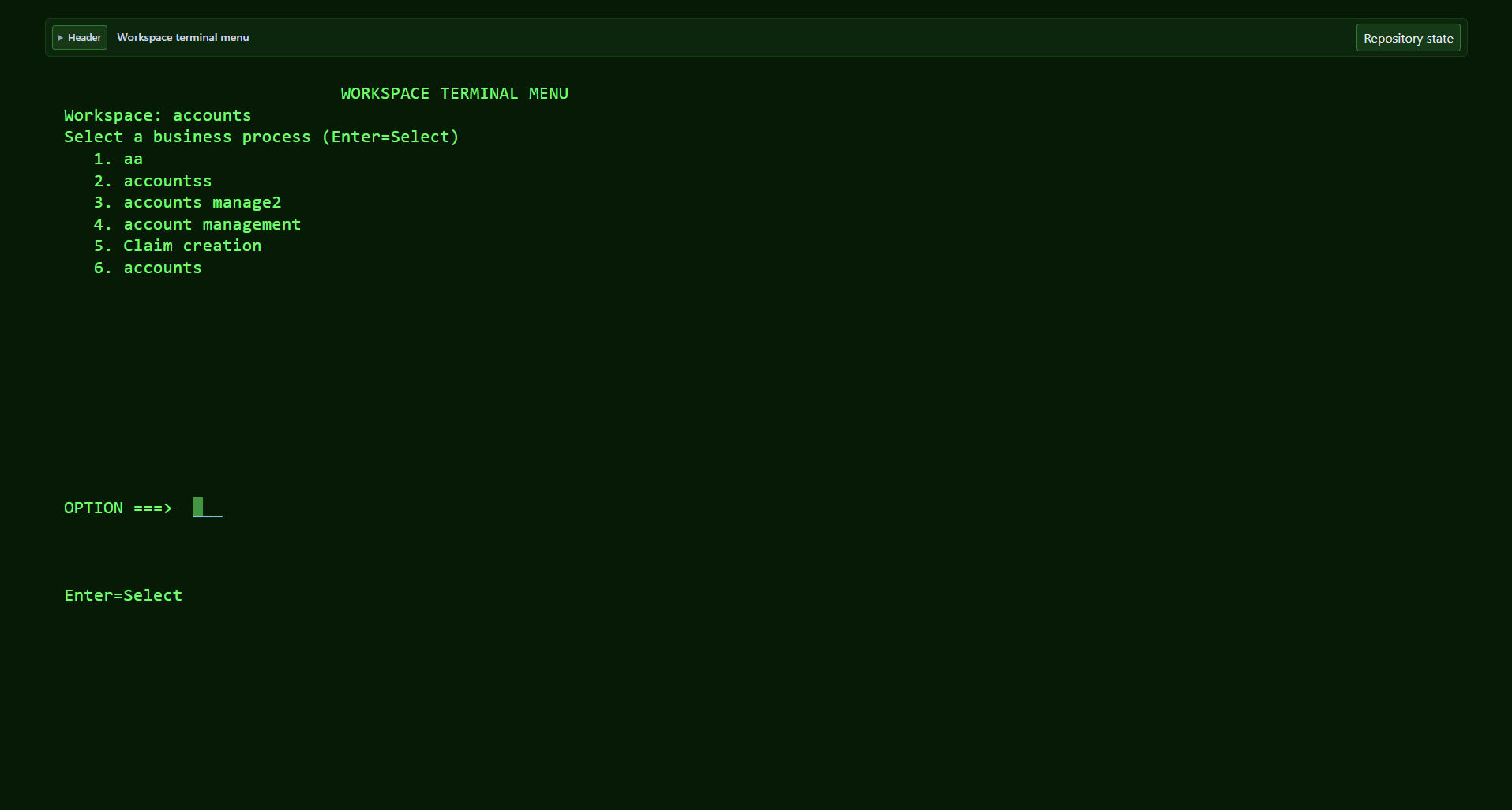
Opens a 3270-style green-screen renderer in a new tab
-
Keyboard-driven grid; header shows map name, screen size, page id; controller status below
-
Workspace-level Terminal player sidebar link when Support legacy is on in Settings